01
Start with what you have
Pro Tools, Logic, Ableton, FL Studio, even GarageBand on a phone. The best DAW is the one you already use, and lessons are shaped around your setup.

Digital Music Production
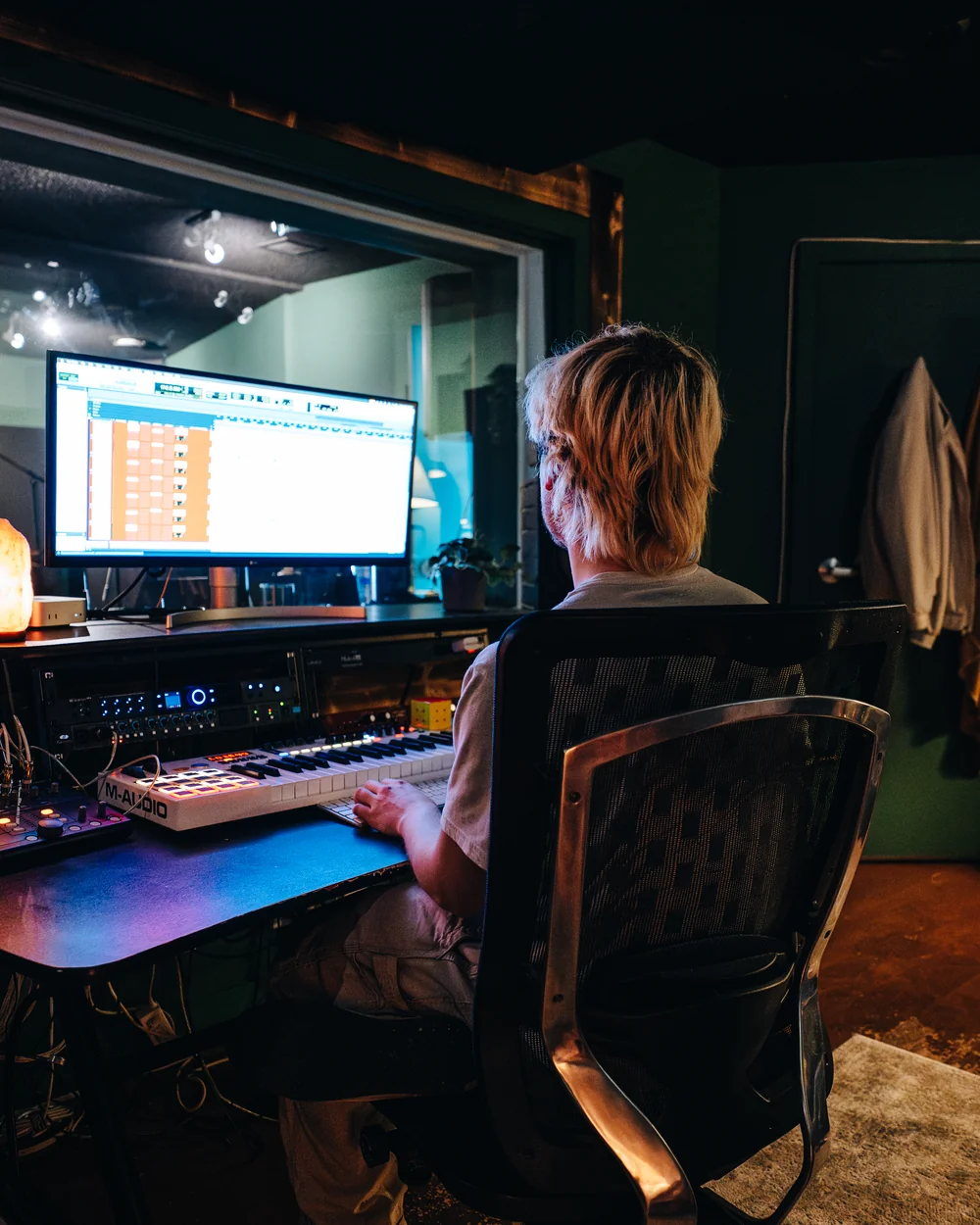
Music production lessons in Edmonton, ages 12 and up. Production is access to every instrument and every sound, made on a computer or a keyboard. Very little to get started, and a whole different world of what’s possible with your music once you’re in.
A computer, a keyboard, a few good ideas. The same craft opens into beatmaking, producing, recording engineering, mixing or mastering, songwriting, releasing your own music. Different roles. Same underlying skills.
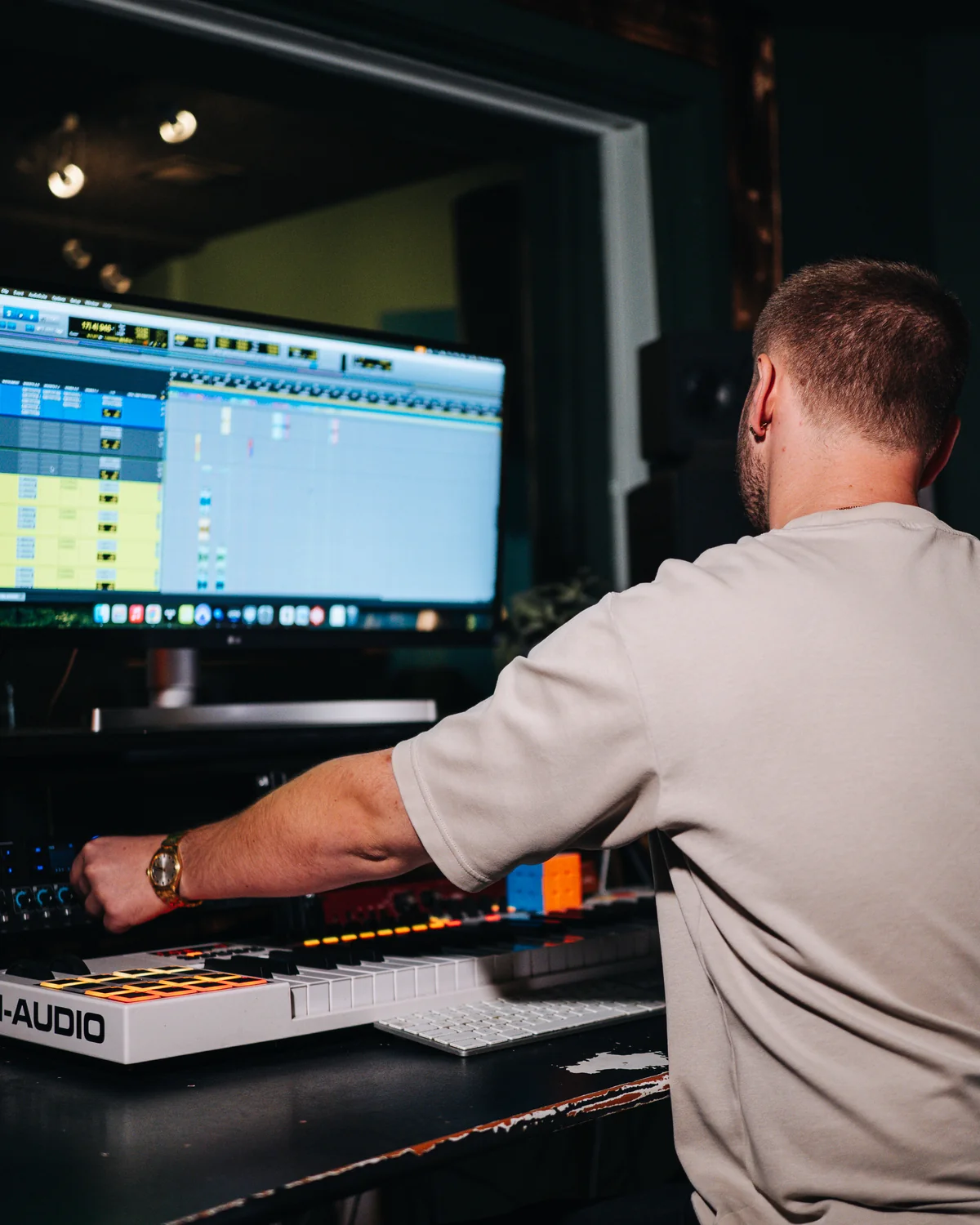
Lessons run for 60 minutes in the recording studio with Stellar, Jillian, or George. The first sessions are about figuring out what you want to make and finding the path that gets you there fastest.
Pro Tools, Logic, Ableton, FL Studio, even GarageBand on a phone. The best DAW is the one you already use, and lessons are shaped around your setup.
Lessons take place inside the working studio, with the same gear and workflow the studio uses with the artists who record here. You’re learning the craft from inside the craft.
Production rewards repetition. A laptop, a desktop, an iPhone with GarageBand. Anywhere you can keep working on what you’re learning until the next session.
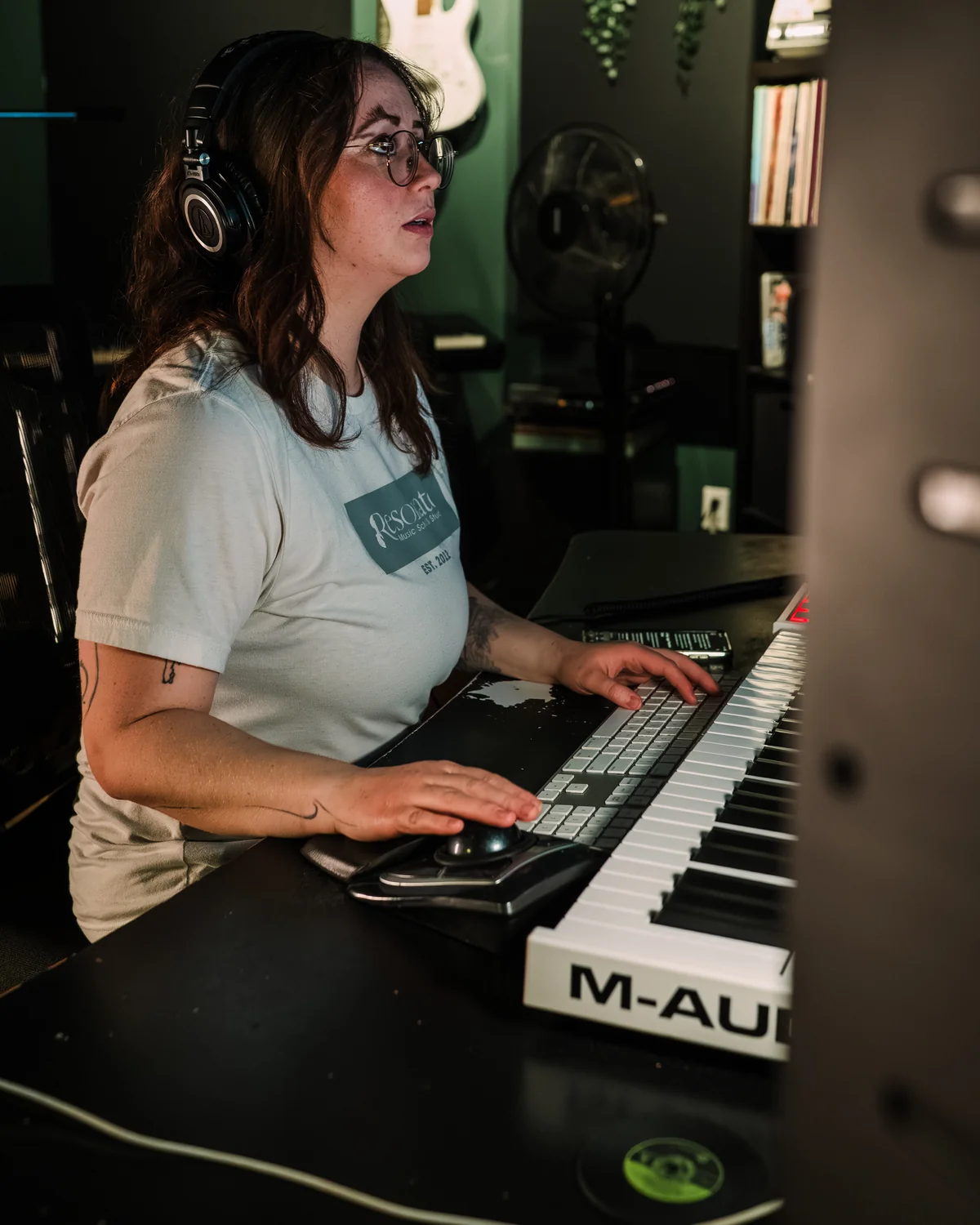
Production tends to draw people who are hearing music in their head and want to start getting it out. Songwriters who want to record themselves. Beatmakers building their own instrumentals. Players of other instruments who want to start producing what they’re playing. Anyone curious about where their music could go on a computer.
Lessons are open to ages 12 and up. There is no instrument prerequisite, but rhythm tends to be a useful foundation for production work. If you’ve spent time with a rhythm instrument or piano, that often makes the early production work click faster. If not, it is something lessons can shape from the start.
Production covers a lot of ground: recording a band, writing a song from an empty session, building a track out of synths and patterns. Stellar, Jillian, and George each work from a different part of it. The inquiry form asks what you want to make, so we can match you with the one closest to it.
Click a portrait to hear more about how they teach.
Tell us a little about who lessons are for and what you have in mind.
You do not need everything figured out first.
If you'd like more before reaching out: common questions, the styles you can study, and what tends to develop in your first months and first year. Each section below is collapsed by default. Tap any heading to read more.
Real beginner questions. Tap any to read the full answer.
Production lessons are different from instrument lessons. Most of the work happens at a computer with a digital audio workstation (DAW) open, headphones on, and a project file growing in front of you. A typical lesson includes working in your own project (a beat, a song demo, a remix, whatever you’re currently building), getting feedback on specific decisions you’ve made, learning the tools and techniques relevant to what you’re trying to accomplish, and walking away with a clearer next step.
What you actually work on depends on where you are and what you’re trying to do. For a beginner, the early lessons often focus on DAW navigation, basic sequencing, sample selection, and putting together a short, simple track end-to-end so the workflow becomes familiar. For someone with more experience, lessons move into mixing decisions, sound design, arrangement strategies, or specific genre techniques.
The thing production lessons offer that self-teaching from YouTube doesn’t: a person paying attention to your specific project, asking the right questions about your specific decisions, and helping you skip the months of trial-and-error it would take to figure out the answers alone.
The major DAWs are all genuinely capable of professional work. The choice usually comes down to platform, genre lean, and what you’re already comfortable with:
For first lessons, what you already own or can access cheaply is usually the right pick. The fundamentals (sequencing, mixing, sound design, arrangement) transfer between DAWs. Switching later isn’t fatal; it’s just a learning curve.
Less than most people think. The essentials:
Useful but not required at the start:
You can start with just a computer, headphones, and a free DAW. Add the rest as your work requires it. The most common mistake beginners make is buying too much gear before they’ve figured out what they actually need.
One Resonate-specific note: production lessons here happen in our recording studio, so for lesson time you have access to professional monitoring, microphones, and acoustic space when your project needs it. Your home setup can stay minimal while still letting you work on lesson-quality projects.
No, but it helps. Plenty of producers (especially in hip-hop and electronic music) work primarily by ear and through their DAW without ever sitting down at a piano. The DAW provides what the instrument would: pitched notes, rhythm, harmony, all editable.
That said, having basic instrument fluency speeds production work up significantly. Two instruments stand out as particularly complementary: piano and drums. Piano gives you the most direct way to play in melodies and chord progressions instead of clicking them in note-by-note, plus a visual understanding of how harmony works. Even a basic MIDI keyboard plugged into your DAW is enough to start getting this benefit; you don’t need a full piano. Drums give you a developed sense of rhythm and groove that translates directly into how your beats feel. They are two of the most common companion studies to production, and many production students take one or the other (or both) alongside production for exactly this reason.
If you’re already playing an instrument, production becomes a way to record, layer, and produce your own music. If you’re not, production can be where you discover the musical interests that eventually take you to an instrument. Either direction works.
Yes, often as effective as in person and sometimes more so. Production is one of the few disciplines where online lessons aren’t a compromise. The work happens on a screen, screen sharing lets a teacher see exactly what you’re seeing, and audio over a call is good enough to evaluate mix decisions, sound choices, and arrangement work. Many production teachers and students have always worked online by choice, long before it became common.
In person still has some advantages: working in the same room makes spontaneous detours easier, and listening on the same speakers in the same space helps with mix decisions in a way that headphones over a call can’t quite match. But for most production work, the gap between online and in-person is genuinely small, and many students prefer online for the convenience.
This is the one Resonate instrument page where the standard “in person is generally better” caveat doesn’t quite hold. Production was made for the screen.
Faster than you might expect. With consistent practice (even 30 minutes most days), most beginners produce a short, complete loop or beat within the first one or two weeks. A complete short track (intro, verse, chorus structure) is often within reach by the end of the first month.
Finishing something that sounds polished is a separate skill that takes longer. Most students get to the “this actually sounds like a real song” threshold somewhere between three and six months of consistent work. Getting to the “I’m proud to release this publicly” threshold takes longer still, usually a year or more of focused practice. The difference between “I made a thing” and “I made a thing that sounds finished” is bigger than beginners expect.
What “finishing a song” means varies. Putting together the arrangement is one threshold. Mixing it so the elements balance is another. Mastering it so it stands up next to commercial releases is a third. Most students cross the first threshold in their first month or two. The other two come with experience and intentional practice.
Production lessons here can move across a wide range of musical territory. Tap any style to read more.
The most common starting point. Drum programming, sampling, melodic loops, vocal recording for rap, and the workflow patterns that make hip-hop production efficient. FL Studio and Ableton are the dominant tools in this space. Builds the foundational skills that transfer into nearly any other production style.
House, techno, ambient, drum and bass, future bass, and the broader electronic dance music world. Synthesis-heavy, arrangement-focused, often built around long-form development rather than song structure. Ableton Live is the dominant tool here.
Contemporary pop and R&B production combines hip-hop’s beat-making approach with pop song structure and vocal-centric arrangement. Demands an ear for vocal production specifically (compression, pitch correction, vocal layering) on top of the production fundamentals.
For students wanting to record their own songs, build polished demos, or produce themselves rather than work with another producer. Acoustic guitar recording, vocal recording at home, mixing live instruments alongside programmed elements. Often paired with voice or instrument lessons for students who want to produce their own performances.
Creating original sounds rather than using presets. Understanding how synthesizers work from the inside (oscillators, filters, envelopes, modulation), how samplers turn audio into instruments, and the practice of building a personal sound library. Especially valuable for electronic producers who want their music to sound distinctively their own.
The final-stage disciplines. Mixing is the art of balancing all the elements in a song so they work together; mastering is the final polish that prepares a track for release. Both are skills unto themselves, and some production students focus heavily on these because they’re transferable into freelance audio work.
Rough averages. Pace varies based on practice consistency and any prior musical or production experience.
DAW orientation (where things are, what the basic tools do), setting up your first project, working through a simple sequencing exercise, and a short take-home assignment to start exploring the interface on your own. The visible progress varies; what’s actually beginning is your relationship with the software and the early intuition for how digital music construction works.
With consistent practice (even 30 minutes most days), most beginners produce their first short, complete loop or beat by the end of the first month. The DAW starts to feel less overwhelming. Basic mixing concepts (volume balance, panning, simple EQ) start to make intuitive sense. What’s developing in this period is the muscle memory of the workflow, the ear for what sounds balanced, and the practice habit. Progress in production tends to be more visible than on most instruments because you can hear (and save and share) what you made.
By around three months, most students have several short tracks or beats they’ve completed, growing comfort with the DAW workflow, and the beginnings of being able to listen to commercial music and start hearing how it was put together. Mixing decisions start to feel less random. Weekly membership students reach their first complimentary recording studio session around this point, which can be a low-pressure way to capture vocals or live instruments to bring into a track.
The difference between students widens here. Those who practice regularly typically have a meaningful body of finished work, intentional sound choices, basic mastering competence, the beginnings of a recognizable personal style, and the workflow speed that turns ideas into tracks without getting stuck in the tools. Some students release tracks publicly in this window. Less consistent students may still be building basic fluency, and that’s fine too. Through the year, opportunities to use the included recording studio sessions for recording vocals, capturing real instruments, or working in a different acoustic space come up several times for students who want to take them.
Production is a lifelong discipline. The teachers here have been making music for decades and still find new tools, new techniques, and new sounds. The first year is about getting the foundational pieces down: DAW fluency, basic mixing, finishing tracks, intentional sound choices. What comes after is leveling up what you can do with those foundations: the styles you can produce convincingly, the speed at which you can turn ideas into finished work, the depth of your sound choices, the quality of your mixes and masters.
Some students stay in one genre and go deep. Some produce across many genres. Some shift into making music for film, video games, or advertising. Some build careers in production for other artists. Some release their own music regularly. Some teach. Many do some combination of these over time.
Most students who stay with production stay in lessons for years, because the tools keep evolving, the techniques keep deepening, and the relationship between you and the music you can make keeps changing. The road forks based on what lights you up, and a good teacher helps you notice which fork is calling.